Pacr - The Better Way To Manage Google DV360 Ads Spend Tracking
Pacr’s Google DV360 Spend Tracker helps advertisers on the Google Display and Video 360 platform efficiently manage and monitor their daily advertising budgets. Google DV360 Google Display & Video 360 enables marketers to manage their programmatic campaigns across display, video, TV, audio, and other channels, all in one easy-to-use programmatic display advertising dashboard.
Automated Budget & Google DV360 Ad Spend Tracking!
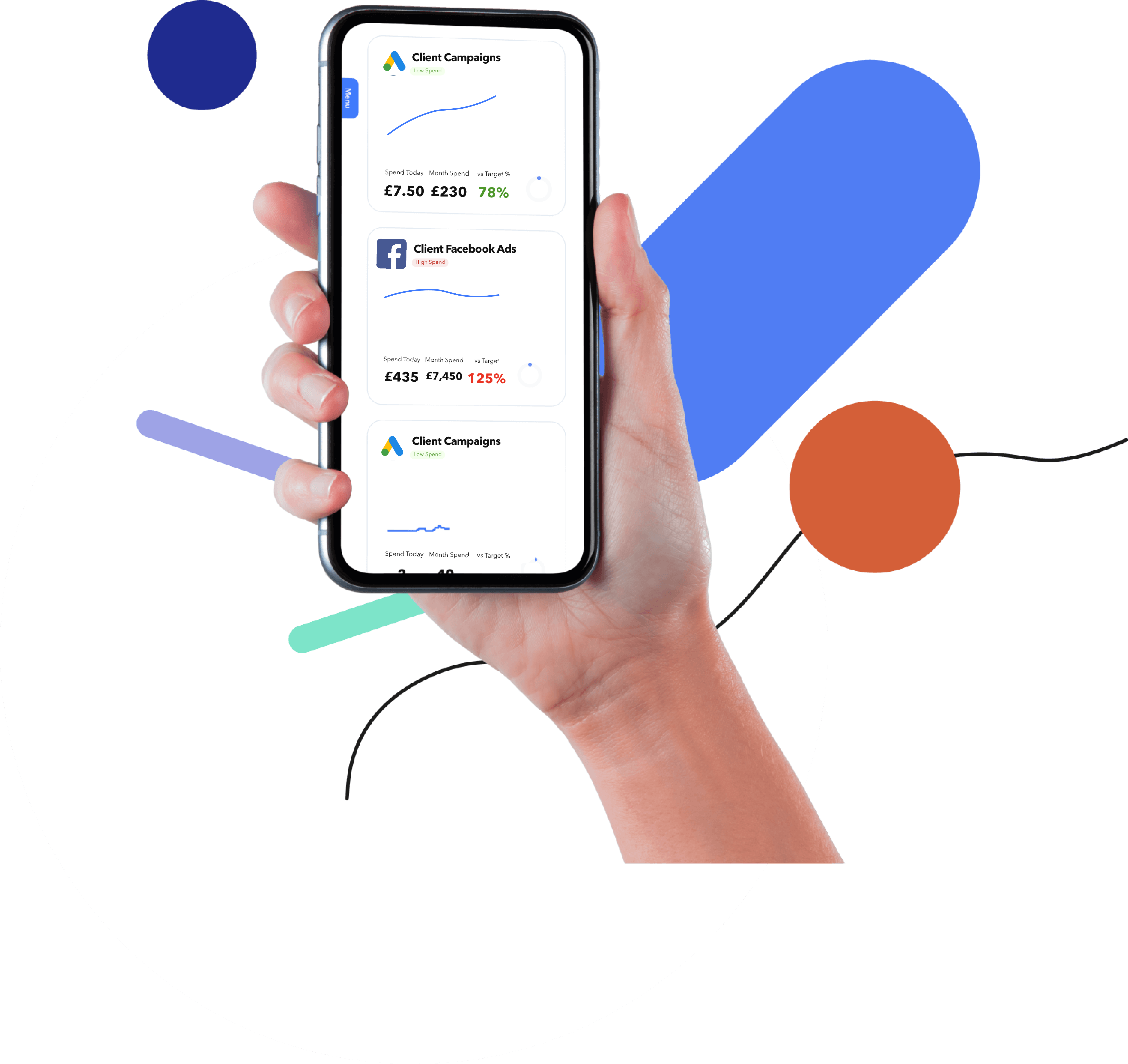
The Pacr Google DV360 Ads Spend Tracking software helps advertisers monitor and control their advertising expenses within the DV360 platform, ensuring that they stay on budget and achieve their advertising goals.
Check Out Our Range of
Google DV360 Budget Spend Tracking Tool Features
Our Google DV360 spend tracking software offers a variety of key programmatic display advertising management features that can ensure that you are able to closely monitor your Google DV360 spend and budget pacing. Features of Pacr’s Amazon Google DV360 tracker tool include:
Daily Budget Monitoring
Set and monitor daily spending limits for Google DV360 advertising campaigns to control costs.
Estimate the potential results of different Google DV360 budget allocations and bidding strategies before implementing them.
Real-Time Spending Updates
Get real-time Google DV360 budget updates on the amount spent within the allocated budget.
Custom Reporting
Set up Google DV360 ads spend tracking reports and dashboards to display spending data in a format that suits your specific needs.
Campaign-Level Tracking
Allows Google DV360 ads spend tracking at the campaign level, enabling you to see how much budget is allocated to individual campaigns and their performance.
Alerts & Notifications
Receive Google DV360 spend tracker alerts or notifications when spending reaches predefined thresholds or when campaigns are at risk of overspending.
Data Export
Export the Google DV360 spend tracker data as necessary.
Multi-Account Support
Monitor spending across multiple DV360 accounts, making it convenient for agencies or businesses with multiple clients or brands.
As part of the Google DV360 spend tracker tool, there are many Google shopping ads’ budgetary elements that can be monitored for each campaign through Pacr. These include:
Type of Google DV360 Ad Placements That Can Be Tracked
Advertisers can choose the placement of their Google shopping ads that best aligns with their goals and target audience to effectively reach potential customers across Google. Here are some of the main types of Google DV360 placements that can be tracked using Pacr’s Google DV360 spend tracker:
Display Ads: These are banner or image ads that appear on websites and apps within the Google Display Network (GDN) and other partner networks. The Google display ads can be static or animated and are available in various sizes.
Video Ads: DV360 allows for video ad placements, including in-stream video ads that appear before, during, or after online video content, as well as out-stream video ads that play within text-based content.
Native Ads: Native ads blend seamlessly with the content of the website or app where they are placed. They match the look and feel of the surrounding content, providing a non-disruptive advertising experience.
Audio Ads: These ads are designed for audio streaming platforms and podcasts. They can be audio-only or a combination of audio and display elements. Interstitial Ads: Interstitial ads are full-screen ads that appear between content transitions, such as when loading a new page or switching between app screens.
Social Media Placements: DV360 allows advertisers to place ads on various social media platforms, including Facebook, Instagram, and Twitter, expanding their reach to social media users.
Connected TV (CTV) and Over-the-Top (OTT) Ads: These placements target users who stream content on smart TVs, streaming devices, or CTV apps. They offer a TV-like ad experience on digital screens.
Dynamic Creative Optimisation (DCO): DCO ads are highly personalised and dynamically change based on user behaviour, preferences, or other data points, providing a tailored ad experience.
Programmatic Guaranteed: This type of placement involves a direct deal with publishers for premium ad inventory. It guarantees ad space and allows for more control over placements and pricing.
In-Game Ads: Advertisers can place ads within mobile, online, or console games to reach a gaming audience.
Search Ads: While DV360 primarily focuses on display and video advertising, it can complement Google Ads (formerly AdWords) for search advertising campaigns.
Email Marketing: DV360 can be used to place display ads in email newsletters and marketing emails sent to subscribers.
Digital Out-of-Home (DOOH) Ads: These placements involve displaying ads on digital billboards, screens in public spaces, or transportation hubs.
Rich Media Ads: These are interactive and engaging ad formats that can include elements like videos, animations, and interactive features.
Benefits of Google DV360 Daily Budget Spend Tracking Software
Using Pacr’s Google DV360 spend tracker can help programmatic display advertising marketers save time, manage costs, and improve the performance of their Google advertising campaigns by making data-driven decisions. Pacr’s Google DV360 spend tracker offers several benefits to advertisers looking to optimise their advertising campaigns effectively, including:
Cost Control
Monitor daily and monthly spending in the Google DV360 Spend Tracker, ensuring campaigns stay within their allocated budget.
Real-Time Monitoring
Get real-time insights into your Google DV360 spending and campaign performance allowing you to make quick adjustments as necessary.
Time Savings
Automated features in our Google DV360 ads spend tracking software can save advertisers time that would otherwise be spent manually adjusting budgets and reporting.
Data-Driven Decisions
Advertisers can make informed decisions based on Google DV360 Ads budget data, identifying which campaigns are driving the best results.
Budget Forecasting
Pacr’s Google DV360 ads spend tracker delivers daily spend targets and estimated end-of-month spend at various levels allowing advertisers to estimate the potential outcomes of different budget scenarios.
Alerts & Notifications
Pacr can send Google DV360 ads spend tracking alerts and notifications when budgets are close to being exhausted.
“Pacr upped our game when it comes to managing our paid accounts”
“The main reason we moved to Pacr’s ad spend tracker was to save time on tracking budget & spending while upping our game on how we manage our paid accounts on behalf of our clients. The PPC budget tracker alerts provide useful insights into spending and the additional performance metrics allow us to see deeper context on what is happening with the budgets.”
Amy Eburne | PPC Manager
8 Hours
Assisted Agency have saved around 8 hours every week!